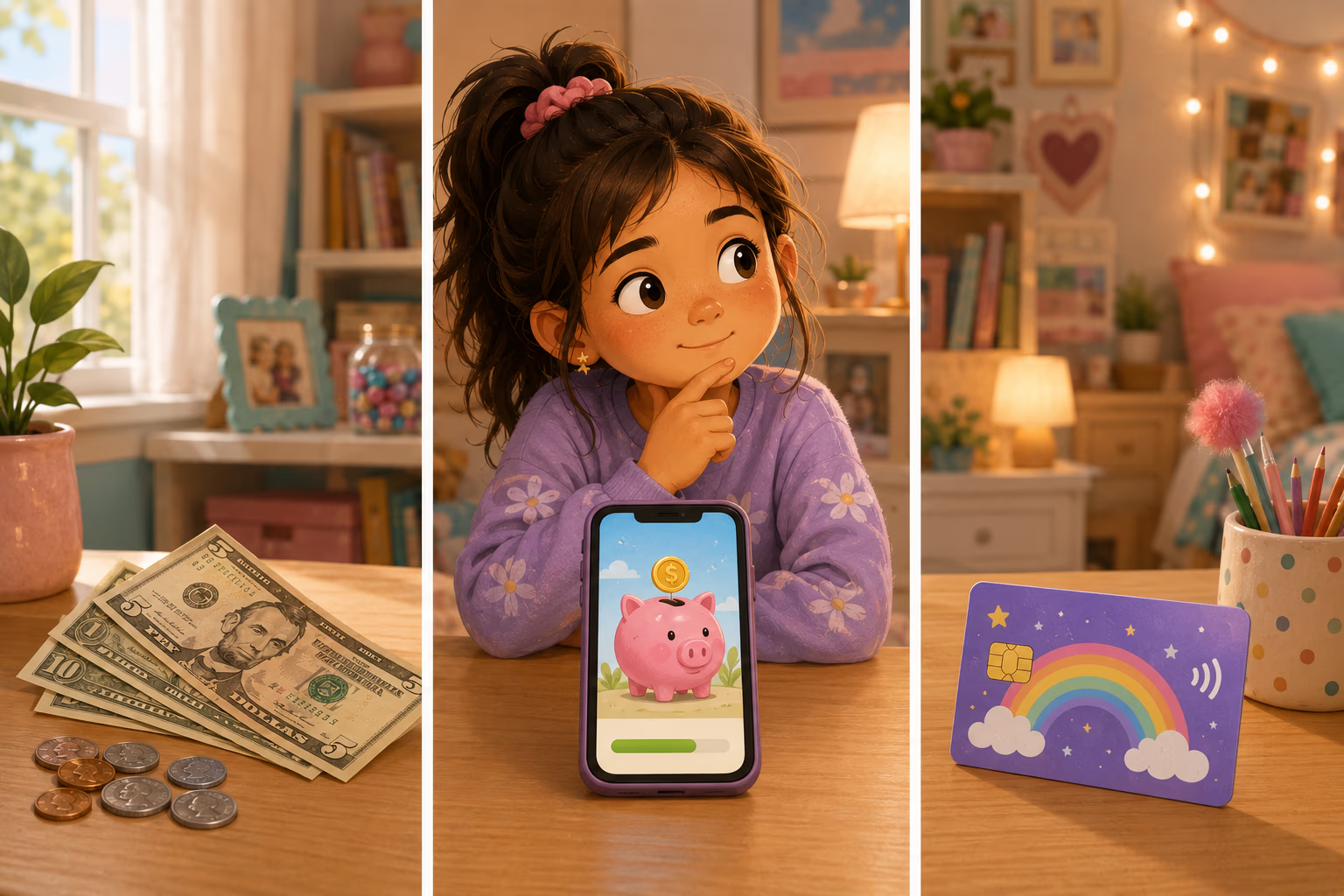
Cash vs Digital Piggy Bank vs Debit Card: What's Right for Your Kid?
There are basically three ways to give your kid money in 2026: hand them cash, track it in a digital piggy bank app, or give them an actual debit card with a real bank account behind it.
Each has a place. Each has a downside. The honest answer is that they fit different ages — and most families use more than one over time.
Here’s a clear breakdown of when each makes sense.
The fast version
| Method | Best for ages | Pros | Cons |
|---|---|---|---|
| Cash | 4–5 | Tactile, builds counting and trade-off intuition | Easy to lose, doesn’t follow them online |
| Digital piggy bank (parent-tracked) | 6–10 | Cheap, no card to manage, visible save / spend / give | Kid can’t spend independently |
| Kids’ debit card | 10+ | Real-world practice, works online | Expensive, per-child fees, opens fraud surface |
Most families start with cash, switch to a digital piggy bank around age 6, and add a debit card around age 10-12 when independent spending becomes useful.
Option 1: Cash
There’s a reason cash is the classic. When your kid spends a $5 bill, they can see it leave their hand. That sensory feedback is the simplest, most direct way to teach the cost of a thing.
Why cash works
- Tactile. Money you can touch is money you understand. A 5-year-old learning what $1 means with a real dollar will learn it faster than the same kid staring at an app.
- Loss is the lesson. Lose a $5 bill at the park? Painful but permanent. That experience trains carefulness in a way no lecture does.
- Zero infrastructure. No app, no card, no monthly fee, no bank account to open.
Why cash gets harder over time
- Nobody else uses it. Your kid will be one of the only people in their generation handing physical money to a cashier.
- Save / spend / give breaks down. Splitting $7 across three jars when most of their income is birthday checks or Venmo is awkward.
- It doesn’t follow them online. Roblox doesn’t take quarters.
Recommendation: Start with cash from ages 4 to 5. Three jars on a shelf labeled save, spend, and give. (Full setup in Save, Spend, Give Jars.)
Option 2: A digital piggy bank (parent-tracked)
A digital piggy bank is an app where you are the bank. The app tracks your kid’s balance — how much they’ve earned, saved, spent, given — but no real money moves. When they want to buy something, you pay for it and deduct the amount from their tracked balance.
This is the middle ground between cash and a real card, and it fits a wide age range.
Why it works
- Visible without being physical. Kids can see their save jar growing toward a goal in real time.
- Works across messy money sources. Allowance, birthday checks, grandma’s $5 — all tracked in one place.
- Cheap. A typical app costs around $1 a month or $7.99 a year for the whole family. No per-child fees. No bank account.
- No fraud surface. Without a card or account, there’s nothing to compromise.
Why it isn’t enough at some point
- They can’t spend independently. Every purchase still goes through a parent. Fine at 7, awkward at 13.
- It doesn’t teach card mechanics. They never see what swiping feels like.
Why we built one
Full disclosure: this is the category we work in. Digital Piggy Bank is a digital piggy bank for parents of kids 4–12, because nobody carries cash anymore. We built it because we wanted a save / spend / give tool that didn’t require a debit card or a per-child fee. If you want to compare us to the alternatives honestly, see our comparison page.
Recommendation: From age 6 until at least 10. For some families, this is the only system they need until their kid leaves for college.
Option 3: A kids’ debit card
A real debit card tied to a real account, in your kid’s name (or yours, with them as an authorized user). They can tap to pay, use it online, and check their balance in an app.
The big names here are Greenlight, GoHenry, BusyKid, and FamZoo. All of them charge real money — usually $4 to $15 a month, depending on the plan and the number of kids.
Why a card makes sense for older kids
- Real-world practice. They learn to swipe, sign, and reconcile transactions before they’re an adult with no training.
- Works where kids actually spend. Online games, streaming, shopping with friends.
- Independence. They can buy things without you in the loop, which is good and bad.
What you give up
- Cost. Most plans run $60-180/year. Compare that to a $7.99/year digital piggy bank — for the same age range up to 10 or so, you’re paying 10-20x for marginal extra benefit.
- Fraud and security. A card means a card number that can be stolen, an account that can be compromised, in-app purchase mistakes that hit a real balance.
- Less friction means less learning. Tap-to-pay is exactly as frictionless for a 10-year-old as it is for you. That’s not always a good thing.
Recommendation: Add a card around age 10-12, when independent spending becomes useful. Before that, the friction of going through a parent for purchases is part of the lesson, not a bug.
What I actually recommend
Here’s what I’d tell a friend asking:
- Ages 4-5: Cash + three jars. Nothing else. This is when tactile money builds the foundation.
- Ages 6-10: Digital piggy bank app. You’re the bank. Save / spend / give buckets. Cheap, simple, scales.
- Ages 10-13: Digital piggy bank plus small amounts of cash for in-person spending. Maybe a card at the upper end if they’re doing a lot of online or away-from-parent spending.
- Ages 13+: Add a debit card. By now they understand value, trade-offs, and what a balance means. The card teaches the mechanics of digital money, on top of the values they already have.
The mistake most families make isn’t picking the wrong method — it’s picking only one and trying to make it work forever. Each method has a developmental window. Match the tool to the age, and switch when the kid outgrows it.